Simple pathways for customers, field teams, and administrators

A clear front door for inspection reporting and follow-up action.

This landing page is designed for fast orientation: customers can access reports, enrolled users can enter the secure portal, and teams can move directly from report review to service coordination.

Fast report access
Secure portal pathway
Role-based navigation
Service follow-up clarity
Role pathways

Equal priority pathways for customers, technicians, and administrators.

Choose the path that matches who you are and what you need to do right now.

For Customers

Review report outcomes quickly and get directed to the right follow-up path without hunting through technical pages.

Open Reports

For Technicians

Use the same report-facing pathway your customers see, so handoff expectations stay aligned from field to facility teams.

Verify Report Access

For Administrators

Use secure portal entry for management-level visibility, role-aware controls, and coordinated customer communication.

Portal Sign In
Public and secure access

Built for both open report viewing and customer-specific secure access.

Some visitors just need fast report visibility. Others need authenticated access through the customer portal. This landing experience supports both without confusion.

Public pathways prioritize speed and clarity.
Secure pathways direct enrolled users into portal sign in.
No technical setup is required from first-time visitors.
Go to Secure Portal Sign In
Admin reassignment messaging

Facilities evolve. Access and organization can evolve with them.

Teams can communicate ownership, building context, and responsibility changes clearly over time, while preserving continuity for customers and field users.

Keep report history understandable over time.
Support changing business contexts without confusing end users.
Guide admins toward the secure portal for management tasks.
Service requests

From report review to service request without losing momentum.

Service requests are part of the report-driven experience. This page sets expectations clearly, then routes visitors into report and portal paths where follow-up actions are handled.

1) Start from report visibility

Open reports first to identify status and context before requesting service support.

2) Route through secure access when needed

When account-level actions are required, portal sign-in keeps requests tied to the right customer context.

3) Keep actions reviewable

Use consistent pathways so request tracking and follow-through remain understandable for all stakeholders.

Open Reports First Portal Sign In
Contact

Need help choosing the right path for your team?

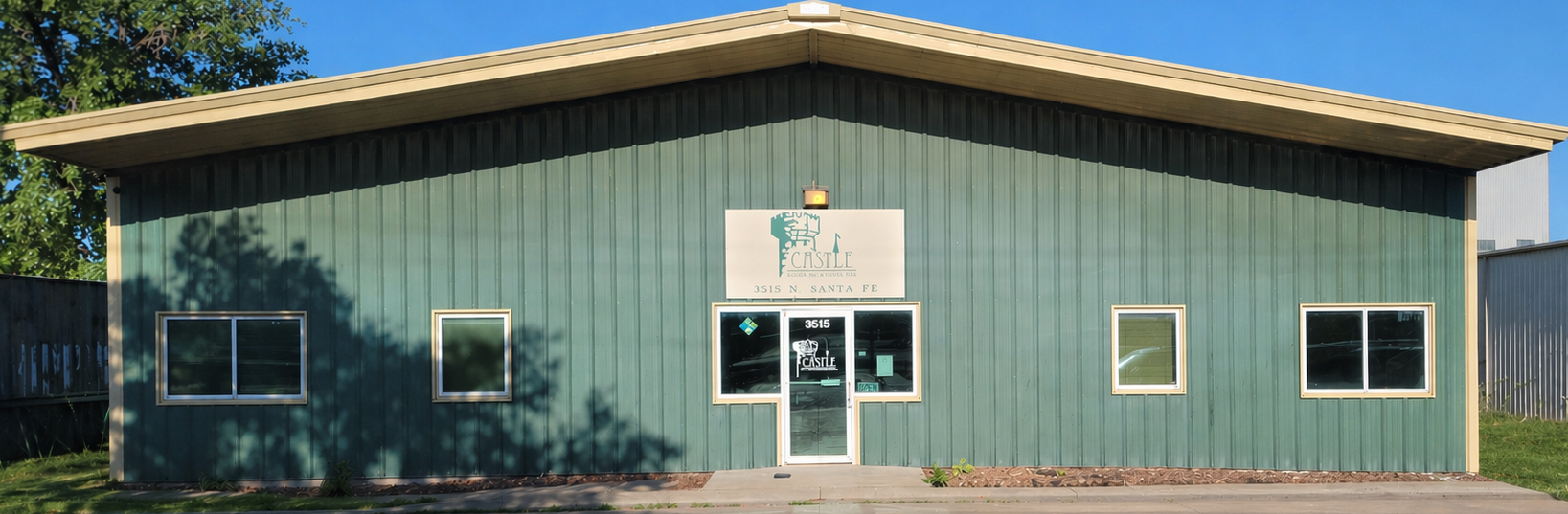
Reach out to Castle Door & Hardware for support with report access, customer onboarding, and service coordination planning.